Customer Registration and Wallet › WhatsApp

Request a demo See FAQs

Four capabilities, one chat

Your benefits program, in the chat your customers already know

WhatsApp is not a separate channel: it is another way into the same wallet of Wapping services and benefits. Customers sign up, identify themselves, check their wallet and receive your campaigns without installing any APP, with a single profile shared across all channels.

Sign-upGuided registration in the chat, from a QR or a link.
IdentificationA digital ID QR that the cashier scans at checkout.
WalletPoints, promotions, cards and receipts, from the chat menu.
CampaignsPersonalized messages and benefits for the exact segment.

Sign-up

From QR to registered, in under 20 seconds

RegistrationIdentificationWallet access

The customer scans a QR in store or at the checkout, or opens a link or QR shared on social media, email or SMS, and signs up by replying to a few messages in the chat.

  • You decide what to ask. Each flow is customized with the data your business needs, such as first name, last name, email, gender, postal code or date of birth, so you can later segment by preferences and habits.
  • Legal texts in the chat itself. Customers read them through a link and accept them before the account is created.
  • No verification SMS. The number is verified through WhatsApp, so this channel does not need the SMS code.
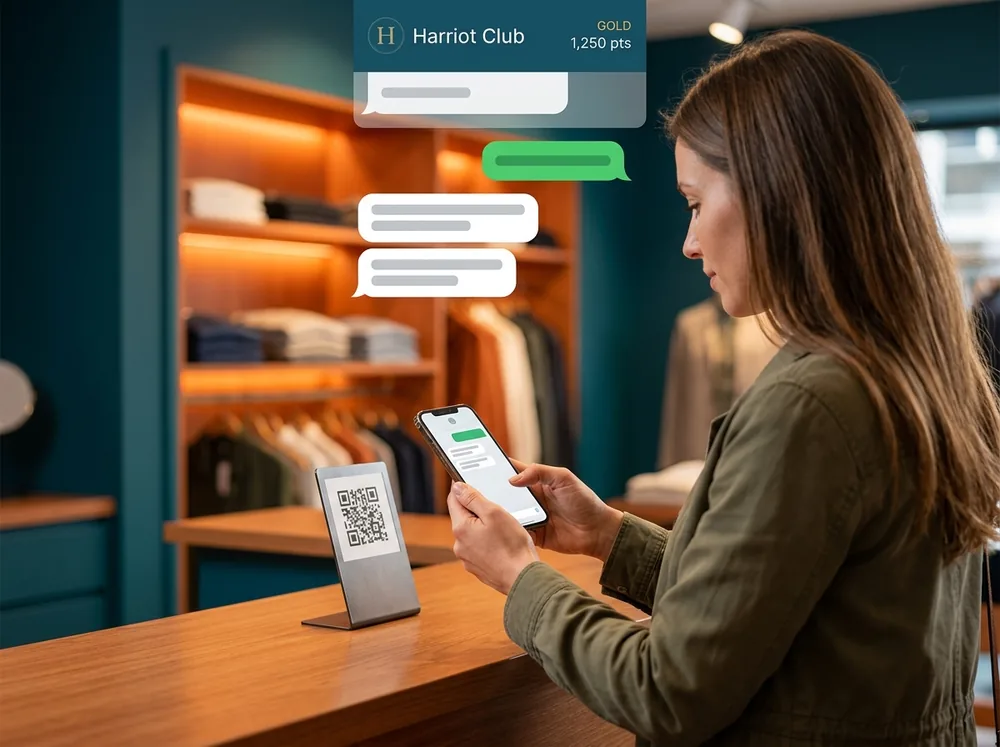
Customer scanning the QR code at a fashion store checkout with her phone to start her sign-up in a WhatsApp chat

Identification

A QR in the chat to identify yourself at checkout

RegistrationIdentificationWallet access

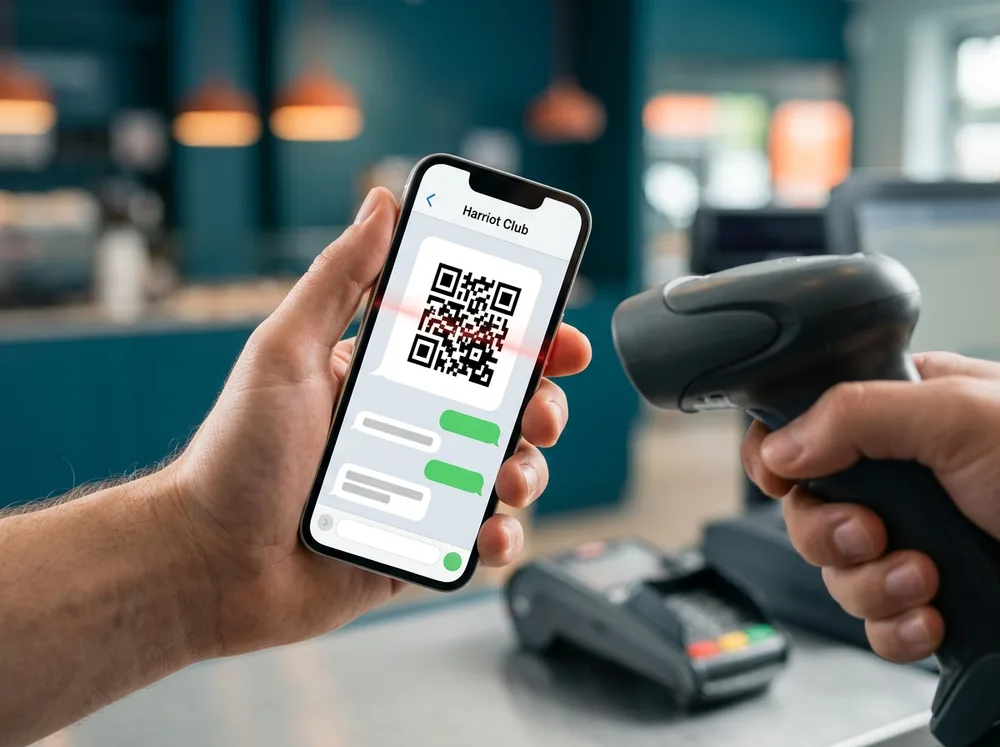
Once registered, the customer gets their identification QR from the chat. The cashier scans it during the purchase and benefits are applied automatically based on items, amounts or active services.

  • Nothing to install. The customer only needs their phone and the WhatsApp chat with the brand.
  • Benefits calculated at checkout. Wapping calculates the services in real time, and the point of sale applies them and prints them on the receipt.
Phone showing an identification QR code in the chat in front of a checkout scanner

Wallet

Points, promotions and receipts, one message away

RegistrationIdentificationWallet access

From the chat menu the customer checks their wallet of services and benefits, the same one they see in the APP, on the web or in their Mobile Pass.

  • Everything in the wallet. Points, savings balance, promotions, rewards, gift or top-up cards, prize draws and receipts.
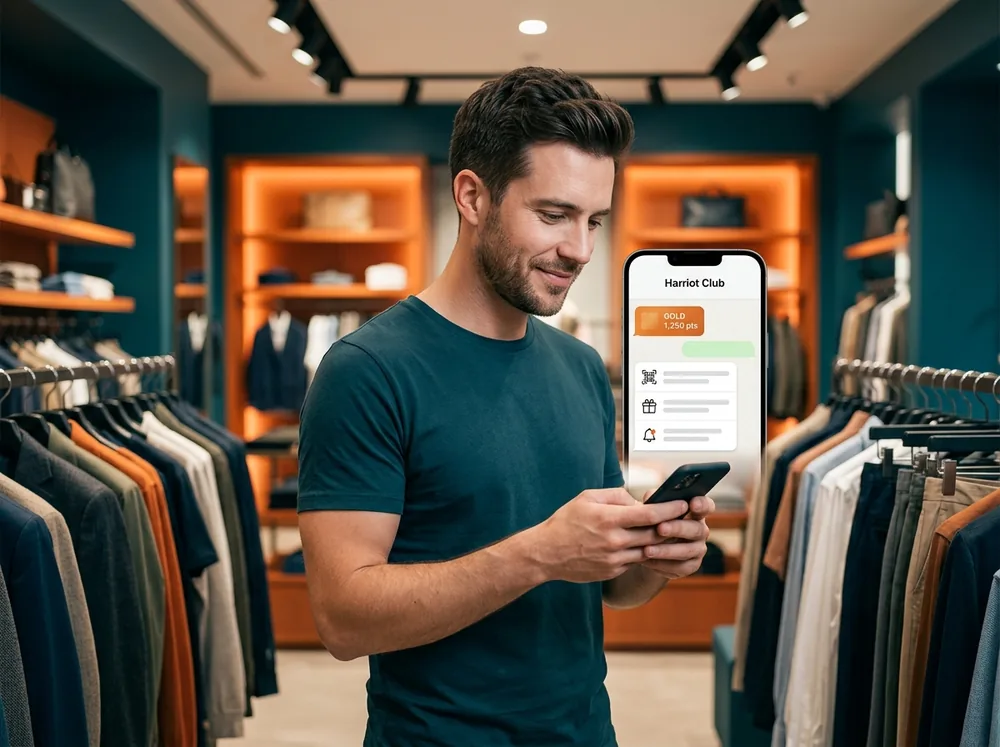
  • Chat menu. View QR, My benefits, My receipts, My wallet and Notification settings.
Customer in a fashion store checking his Gold tier and points in the chat from the wallet menu

Campaigns

Share benefits where the conversation already exists

Communication

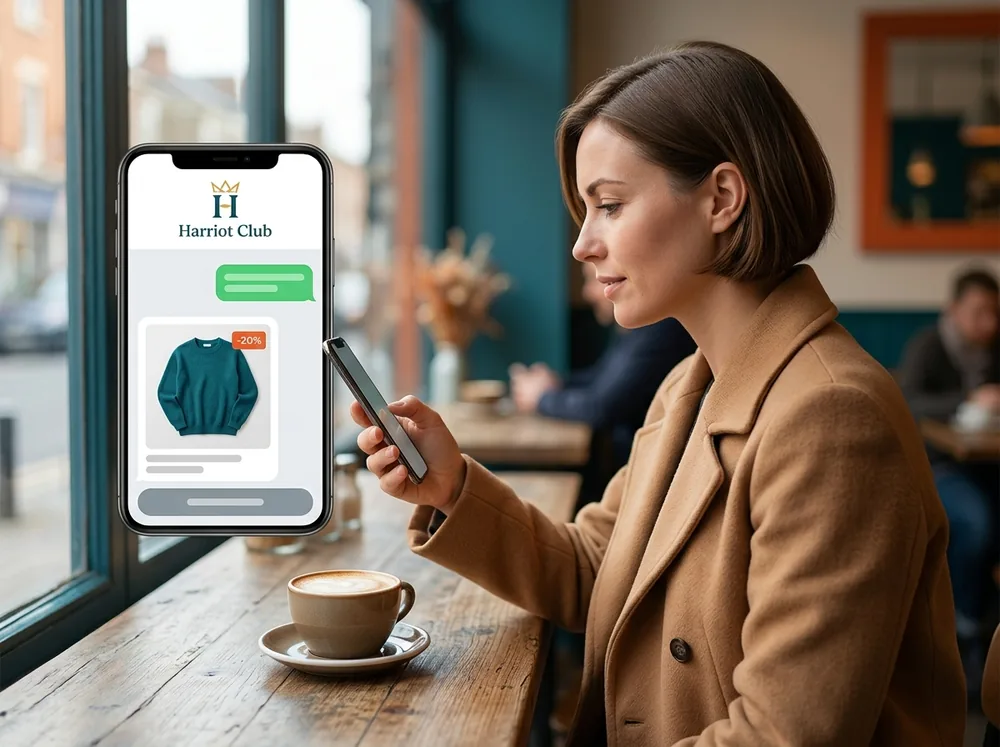
Combine Wapping's audience manager with WhatsApp to send personalized campaigns and benefits to the exact segment of customers.

  • Advanced audiences. Segmentation is built on Wapping customer knowledge, not on a simple contact list.
  • Automated notifications. Customer events, such as a new promotion in the wallet or reaching a member tier, can be sent on WhatsApp alongside the other channels.
  • Templates managed by Wapping. WhatsApp templates are created and approved in Meta; the Wapping team prepares and manages them with you.
Customer at a café receiving a personalized promotion from a fashion brand on her phone via WhatsApp

One customer, one sign-up

New or existing customer, you only sign up once

The customer exists only once in Wapping and across all channels. That is why the WhatsApp flow handles two cases.

New customer

If they have no account, the system starts registration automatically and asks in the chat for the data you have configured.

Already registered

If they already have an account through another channel, they are recognized by the phone number linked to WhatsApp and continue without signing up again.

Impact

What the business gains

Frictionless sign-up

Fewer steps for the customer and more members joining the benefits program.

More engagement

A direct conversation channel with the brand, with the customer identified.

Campaigns with more reach

Promotions and benefits spread over a widely used channel.

Getting started

Three things to keep in mind

The customer starts the conversationOn this channel, sign-up is always started by the customer, by scanning the QR or opening the link.
A WhatsApp number for the programIt must be a different account from the customer service one, if the brand already has one.
Templates approved by MetaWapping creates and manages them after agreeing the content of each one with you.

Use case — Store and Digital

From the checkout to the chat, with the same customer

A customer at a fashion store scans the QR at the checkout and signs up in the chat. In that same purchase she shows her identification QR and the cashier applies her benefits. Weeks later she receives a WhatsApp promotion designed for her segment and checks her balance without opening any APP. At every moment, Wapping recognizes the same customer, with the same wallet of services and benefits.

Our customers drive us to keep innovating

Silbon logo Sally Beauty logo Mayoral logo Kamado Asian Food logo Avenida Perfumerías logo Perfumerías Facial logo Roberto Verino logo Prissa logo Armas Trasmediterránea logo Gadis logo Sibuya Urban Sushi Bar logo JL logo Pádel Nuestro logo Paco Perfumerías logo Silbon logo Sally Beauty logo Mayoral logo Kamado Asian Food logo Avenida Perfumerías logo Perfumerías Facial logo Roberto Verino logo Prissa logo Armas Trasmediterránea logo Gadis logo Sibuya Urban Sushi Bar logo JL logo Pádel Nuestro logo Paco Perfumerías logo

Frequently asked questions

Your questions, answered

Does the customer have to install an APP?

No. They sign up, identify themselves, check their wallet and receive campaigns from the WhatsApp chat itself.

How does sign-up start?

The customer scans a QR in store or at the checkout, or opens a link or QR shared on social media, email or SMS, which takes them to a WhatsApp conversation with the brand. The customer is the one who starts the conversation.

What data is requested at sign-up?

Whatever your business defines. For example, first name, last name, email (mandatory or not), gender, postal code and date of birth, plus acceptance of the legal texts.

Does the phone have to be verified with an SMS?

Not on this channel. The number is considered verified by WhatsApp, as it is the communication channel used.

What if the customer is already registered through another channel?

They are recognized by the phone number linked to WhatsApp and continue without signing up again: the customer is unique across all channels.

Bring your loyalty program into your customers' chat

We will show you how sign-up, the QR and WhatsApp campaigns work with your brand.